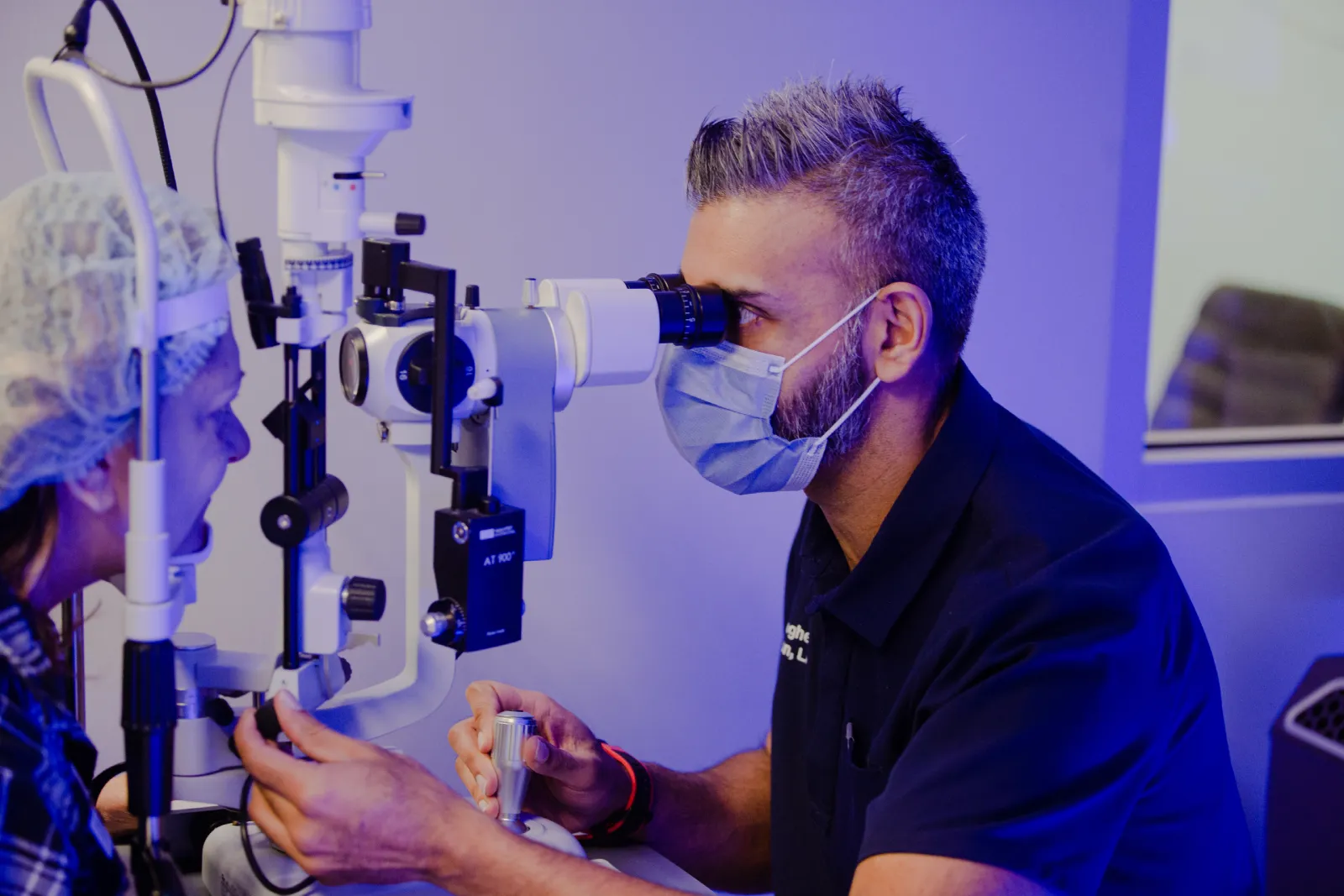

Screen fatigue usually causes temporary dryness, tired eyes, fluctuating blur and headaches that appear during or after long periods of computer work. A true vision problem, such as uncorrected astigmatism, can make these symptoms appear sooner or become more persistent because the eyes must work harder to maintain a clear image.
Screen use and astigmatism may contribute to frequent headaches. They can also trigger migraine attacks in some people who already have migraines. However, they do not prove that every daily headache is a migraine or that the eyes are the only cause.
If symptoms happen regularly, continue away from screens or affect your ability to work, an eye examination and medical assessment may be needed.
Why Toronto professionals are vulnerable to screen fatigue
Professionals working near Toronto’s Financial District and The Well may spend most of the day moving between laptops, desktop monitors and mobile phones.
A typical workday can include:
- Reviewing detailed spreadsheets.
- Reading small dashboard text.
- Switching between several monitors.
- Attending video meetings.
- Working under bright office lighting.
- Using a phone during the commute.
- Returning to another screen at home.
Air conditioning and heated indoor air can also reduce comfort by creating a dry environment. Concentrated work makes people blink less often, allowing the tear layer over the eye to break down more quickly.
The result may be digital eye strain, also known as computer vision syndrome.

What is screen fatigue?
Screen fatigue is not a single eye disease. It is a group of eye, vision and body symptoms associated with extended digital-device use.
Common symptoms include:
- Dry, burning or irritated eyes.
- Watery eyes.
- Tired or heavy eyes.
- Blurred or fluctuating vision.
- Trouble changing focus from near to far.
- Sensitivity to glare.
- Headaches around the eyes or forehead.
- Neck, shoulder or upper-back discomfort.
- Reduced concentration late in the day.
The Canadian Association of Optometrists explains that screen use can reduce blinking and place prolonged demands on the focusing and eye-alignment systems.
Screen fatigue is usually related to how the eyes are being used. It does not automatically mean that a person needs surgery or has permanent eye damage.
How screen use contributes to dry eye
A healthy tear film spreads across the eye each time you blink. It provides moisture and creates a smooth optical surface.
People tend to blink less often and less completely while concentrating on screens. This allows tears to evaporate more quickly. The eye’s surface may become dry and uneven, causing vision to blur or fluctuate.
Computer-induced dry eye may feel like:
- Grittiness or burning.
- A tired sensation behind the eyelids.
- Intermittent blur that clears after blinking.
- Watering caused by surface irritation.
- Contact lenses becoming uncomfortable.
- Symptoms that worsen as the workday continues.
The American Academy of Ophthalmology provides similar guidance about digital devices, reduced blinking and eye strain.
Dry eye is only one possible cause. Allergies, eyelid conditions, contact-lens wear, medications and other health factors can produce similar symptoms.
What is astigmatism?
Astigmatism is a refractive error. It occurs when the cornea or internal lens does not focus light evenly onto the retina.
It may cause:
- Blurred or distorted vision.
- Difficulty reading small text.
- Glare or halos around lights.
- Squinting.
- Eye strain.
- Reduced comfort when working at near distances.
- Trouble seeing clearly at night.
A small amount of astigmatism may go unnoticed during casual activities. Long hours of detailed screen work can expose the problem because the visual system is being asked to maintain clear focus for an extended period.
Astigmatism cannot be diagnosed from symptoms alone. A proper eye examination is needed to measure the prescription and check for other causes of blur.
Can dry eye and astigmatism cause daily migraines?
They can contribute to headaches, but the word “migraine” should be used carefully.
Dry eye can make vision unstable. Uncorrected astigmatism can make text and fine details harder to see. When both are present, the eyes may work harder during sustained computer use. This can contribute to eye-strain headaches.
Migraine is different. It is a neurological condition that can include:
- Moderate or severe headache.
- Throbbing or pulsing pain.
- Sensitivity to light or sound.
- Nausea.
- Visual aura in some patients.
- Symptoms made worse by normal activity.
Bright screens, glare, poor sleep, stress and prolonged concentration may trigger migraine in susceptible people. Correcting an eye prescription or treating dry eye may reduce a visual trigger, but it is not a guaranteed migraine treatment.
Daily or repeated headaches should not be self-diagnosed as an eye problem. An optometrist can assess visual causes, while a family doctor or other medical professional may need to investigate migraine and non-eye-related causes.
Screen fatigue or an underlying vision problem?
The timing and pattern of symptoms can provide clues, but they cannot replace an examination.
| More consistent with screen fatigue | May suggest an underlying vision problem |
| Symptoms begin after extended computer work | Blur is present before screen work begins |
| Eyes feel dry, burning or tired | Vision remains unclear after blinking |
| Blur improves after blinking or resting | Squinting is needed at near or far distances |
| Symptoms improve during screen-free days | Headaches or blur also occur away from screens |
| Discomfort becomes worse late in the day | One eye appears noticeably clearer than the other |
| Glare or dry air increases symptoms | Night vision or driving is consistently difficult |
Many patients have both. An uncorrected prescription can increase the visual effort of screen work, while reduced blinking adds surface dryness.
An illustrative workplace example
Consider a Toronto software professional who works with three monitors and frequently checks a phone between meetings.
By mid-afternoon, text begins to blur. The person develops pressure around the forehead and notices that blinking briefly improves clarity. These features may point toward tear-film instability and digital eye strain.
Suppose the same person also squints when reading signs, has difficulty with night driving and experiences headaches even on days without computer work. Those additional symptoms could indicate an uncorrected refractive error or another issue that should be assessed.
This example does not provide a diagnosis. It shows why symptoms should be examined as a pattern rather than blamed entirely on screen time.
Steps that may reduce digital eye strain
Follow the 20-20-20 approach
Every 20 minutes, look at something approximately 20 feet away for at least 20 seconds. This gives the near-focusing system a brief rest.
A software timer or calendar reminder can help during long periods of concentrated work.
Blink fully and regularly
Make a conscious effort to complete several gentle blinks during natural breaks, such as after sending an email or finishing a meeting.
Blinking spreads the tear film and may temporarily improve fluctuating vision.
Improve monitor position
Your primary screen should generally be directly in front of you rather than far to one side. Position it at a comfortable distance, with the top of the display around eye level or slightly below it.
Looking slightly downward may reduce the amount of exposed eye surface and help limit tear evaporation.
Increase text size
Small text encourages leaning forward, squinting and prolonged concentration. Increase browser zoom, document magnification and interface text until you can read comfortably without moving toward the screen.
Control glare and contrast
Avoid placing a bright window directly behind the monitor or in your line of sight. Adjust blinds, overhead lighting and screen brightness so the display is comfortable in the surrounding room.
Review the office environment
Direct air from heating vents, cooling systems or desktop fans can increase tear evaporation. Move the airflow away from your face when possible.
Ask about dry-eye care
Artificial tears may help some patients, but different products are designed for different needs. An eye-care professional can assess the tear film and recommend an appropriate approach.
Why blue-light glasses are unlikely to solve screen fatigue
Blue-light-filtering glasses are widely promoted for screen fatigue. However, current evidence does not show that they meaningfully reduce digital eye strain compared with standard lenses.
They also do not correct common underlying causes of screen-related discomfort, including:
- Astigmatism
- Nearsightedness
- Farsightedness
- Presbyopia
- Poor eye coordination
- Significant dry-eye disease
- Incorrect monitor distance
- Migraine
The priority is identifying whether symptoms come from dryness, an incorrect prescription, focusing demands, glare, posture, migraine or a combination of factors.
When should you book an eye examination?
Arrange an assessment when:
- Headaches occur repeatedly during the workweek.
- Blurred vision persists after blinking or taking a break.
- One eye sees differently from the other.
- You frequently squint at screens or road signs.
- Contact lenses have become difficult to tolerate.
- Glare or night driving has become more challenging.
- Your current glasses no longer feel effective.
- Symptoms interfere with work or daily activities.
- You are considering vision correction.
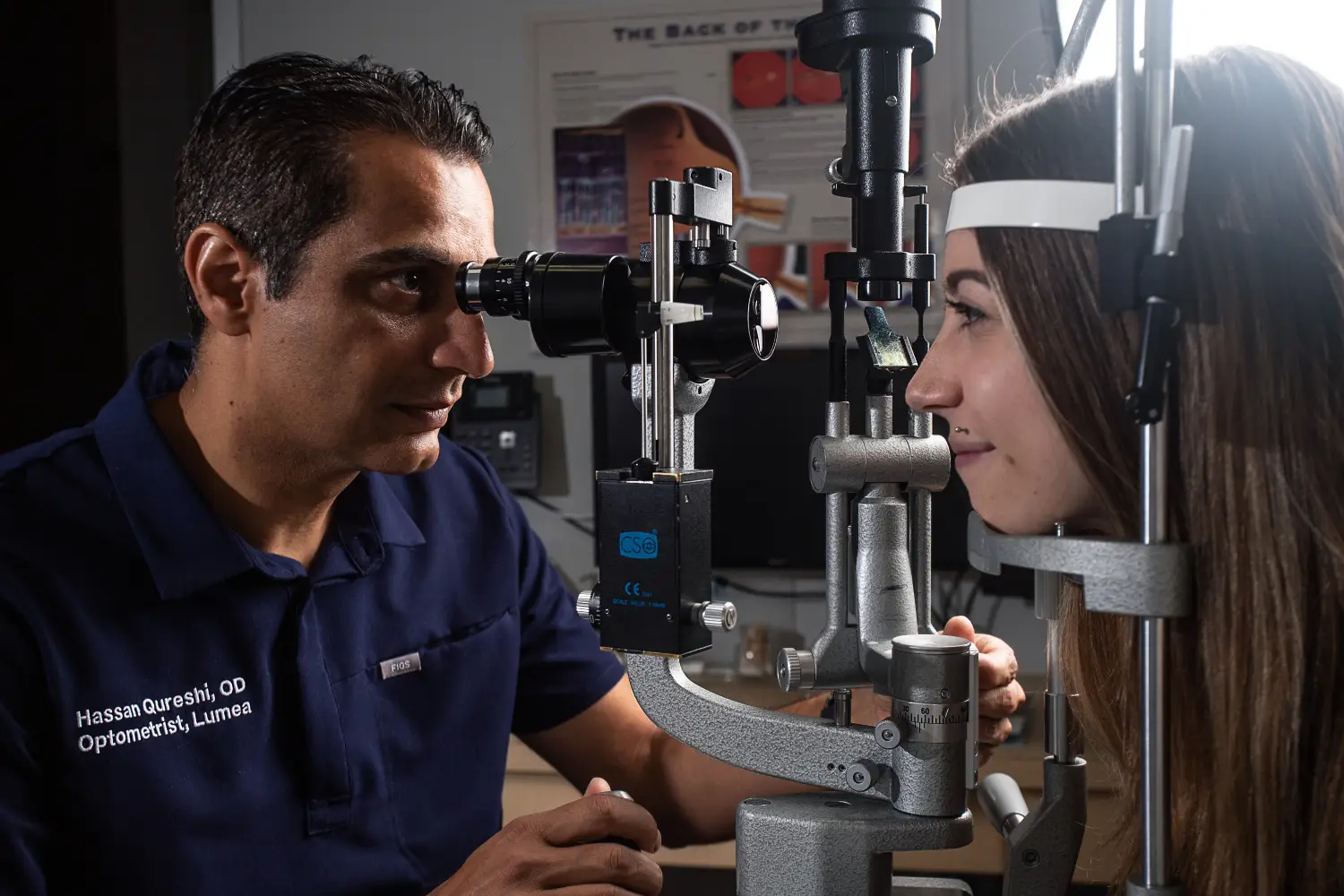
Patients near The Well or the Financial District can review Lumea’s Toronto eye-surgery clinic before arranging a consultation.
An examination should identify the problem before any treatment is recommended.
When a headache needs medical attention
Do not assume a severe or unusual headache is caused by screen use.
Seek prompt medical care for:
- A sudden, extremely severe headache.
- Sudden loss or major change in vision.
- New weakness, numbness, confusion or difficulty speaking.
- A headache after a head injury.
- Severe eye pain or a very red eye.
- Headache with fever or a stiff neck.
- New flashes, many floaters or a curtain-like shadow in vision.
These symptoms require medical assessment rather than an ergonomic adjustment or new glasses.
Could vision correction help?
Vision correction may reduce dependence on glasses or contact lenses for suitable patients with refractive errors. It does not automatically treat dry eye, workplace habits or migraine.
Depending on a patient’s age, prescription, corneal measurements and eye health, options may include LASIK surgery in Toronto, SMILE surgery in Toronto or another procedure.
Existing dry-eye symptoms should be identified during the assessment. Some vision-correction procedures may temporarily worsen dryness, so the ocular surface may need attention before surgery is considered.
Lumea’s candidacy information provides a starting point, but only a complete clinical assessment can determine whether a procedure may be appropriate.
Questions to bring to your assessment
Ask your eye-care professional:
- Is my prescription contributing to screen discomfort?
- Do I have astigmatism?
- Is my tear film stable?
- Could contact lenses be increasing dryness?
- Do I have a focusing or eye-coordination issue?
- Should my headaches also be assessed by a physician?
- Would computer glasses help?
- Am I a potential candidate for vision correction?
- Could surgery affect my existing dry-eye symptoms?
- What results and limitations should I realistically expect?
Give your eyes more than another screen break
If headaches and blurred vision keep returning, do not assume they are simply part of working in technology or finance.
A proper assessment can separate temporary screen fatigue from dry eye, astigmatism and other vision problems. At Lumea, patients can discuss their visual needs and learn whether vision correction may be appropriate.
Request a consultation to have your vision concerns assessed and understand the available options.
Frequently asked questions
Does screen time permanently damage adult eyes?
Ordinary screen use is more commonly associated with temporary strain and dryness than permanent eye damage. Persistent symptoms still deserve an examination.
Can astigmatism make computer work difficult?
Yes. Uncorrected astigmatism may make text appear blurred or distorted and can increase visual effort during detailed tasks.
Why does my vision clear after blinking?
Blinking briefly restores a smoother tear layer. If vision repeatedly clears after blinking and then becomes blurry again, tear-film instability may be involved.
Can screen use trigger migraine?
Screens may trigger attacks in some people with migraine, especially when glare, light sensitivity, stress or prolonged concentration is involved. Screens are not the only possible trigger.
Will laser eye surgery stop screen headaches?
Not necessarily. Surgery may correct an eligible refractive error, but it does not directly treat migraine, poor ergonomics or every form of dry eye.
Should I stop using screens completely?
Usually, the first steps are regular breaks, better blinking, improved screen setup and an eye assessment when symptoms persist. Your healthcare professional can provide advice based on your condition.